Hey
We don’t write about CrownPanel updates very often. Most of what we ship is small and happens quietly in the background. This one is small too but fixes something that has annoyed pretty much everyone who has ever opened a VNC console.. the missing ability to PASTE into the console.
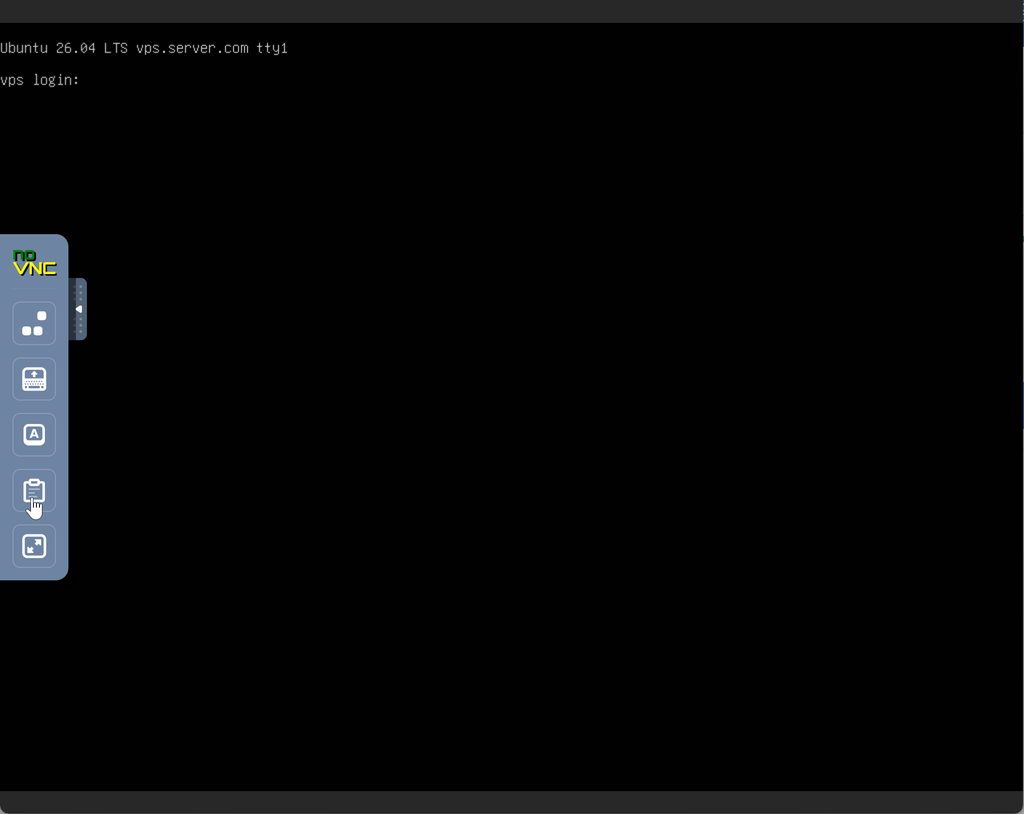
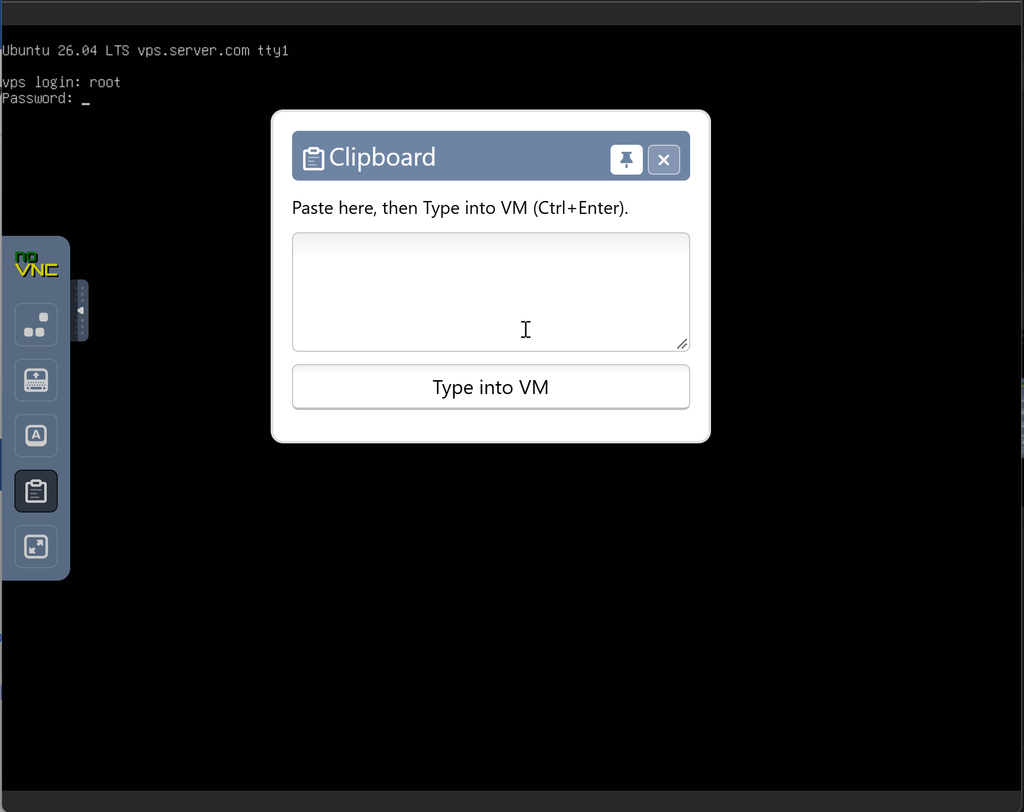
The Clipboard exists within the same sidebar as you see currently,
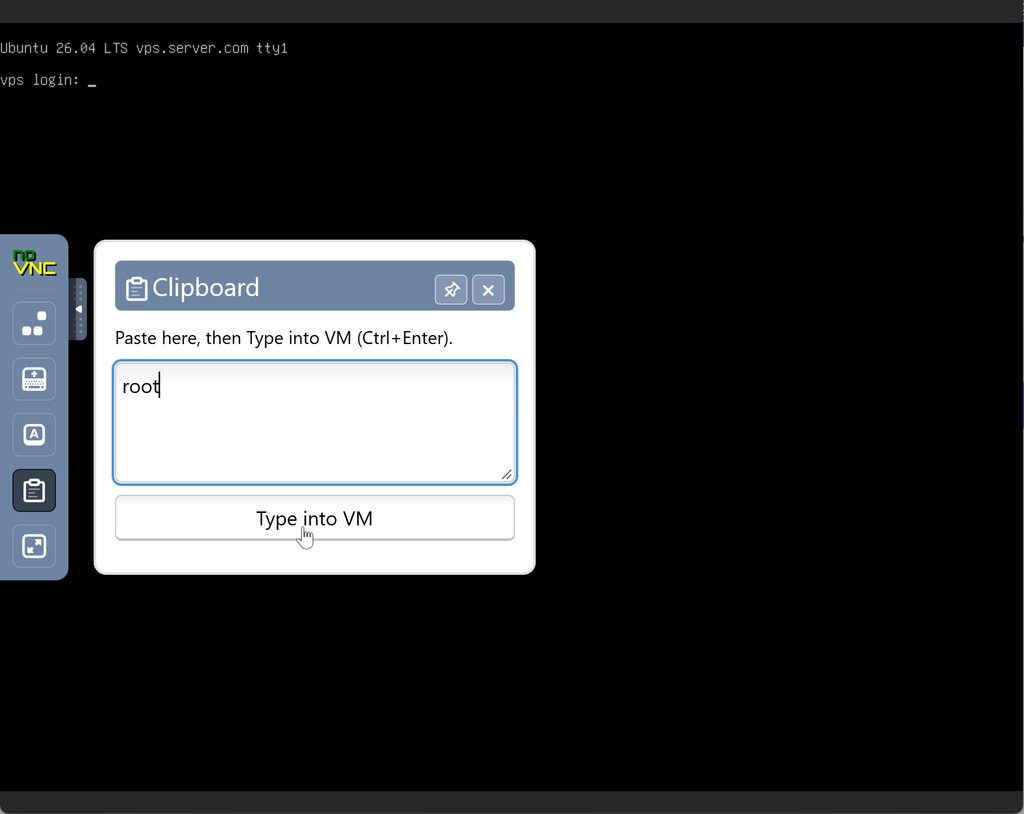
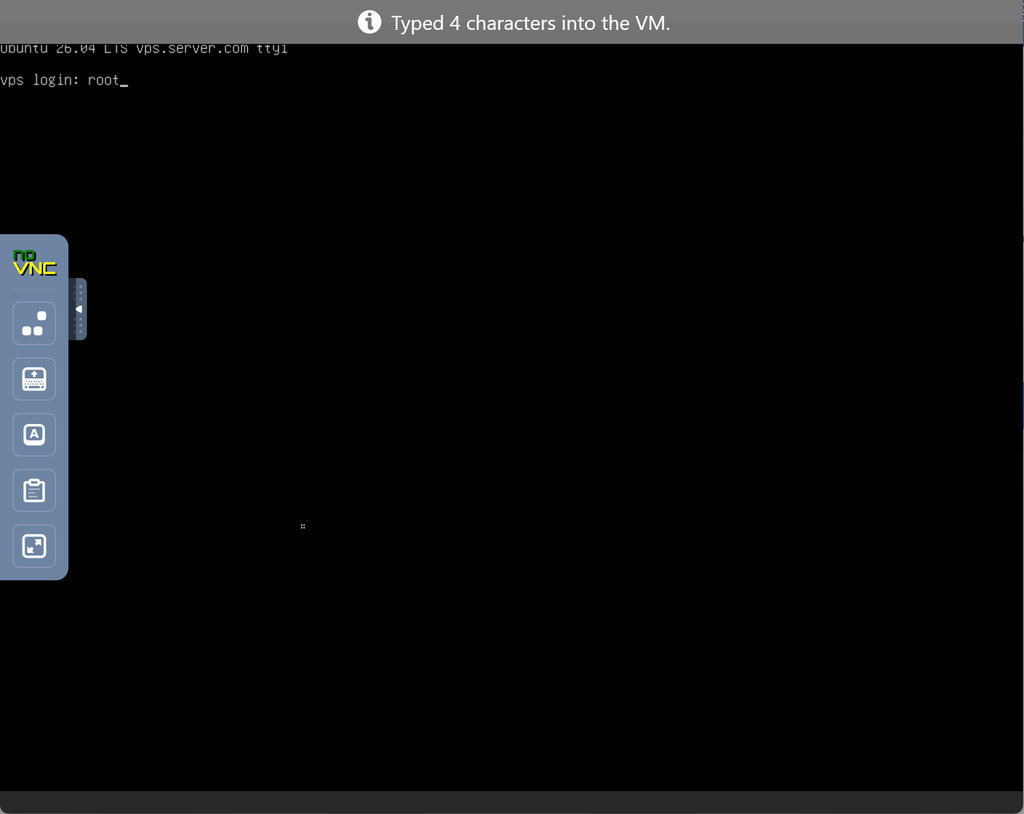
Opening the Clipboard allows you to input anything like a username, command or anything you need input to the console, for example, here I input “root”, and the session gives you a clear result with the input confirmed,
Working on a longer session may require you to detach the Clipboard and pull it out to show it on screen permanently, you can move it around and decide where it stays,
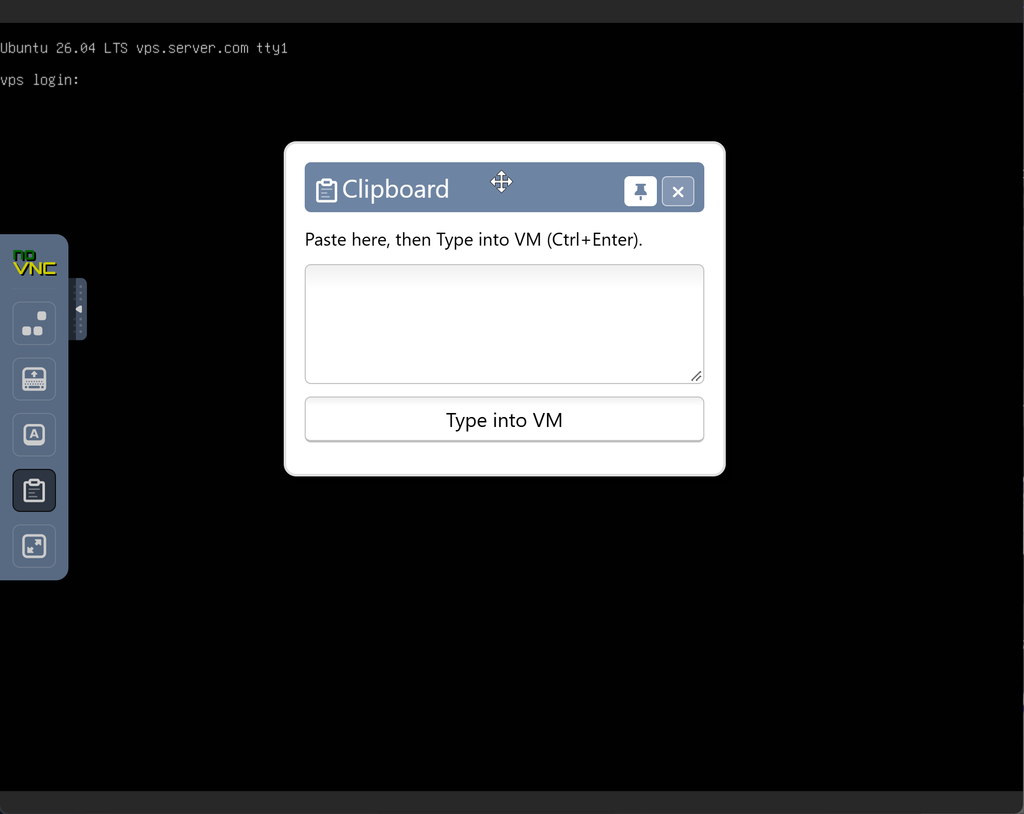
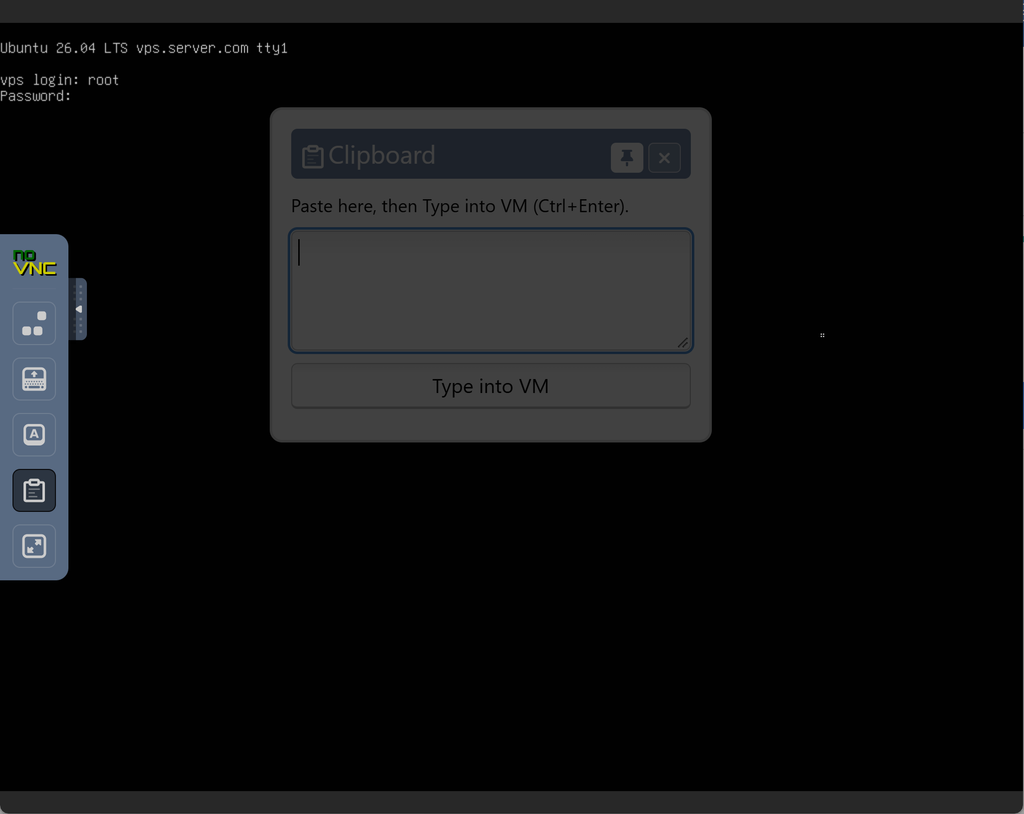
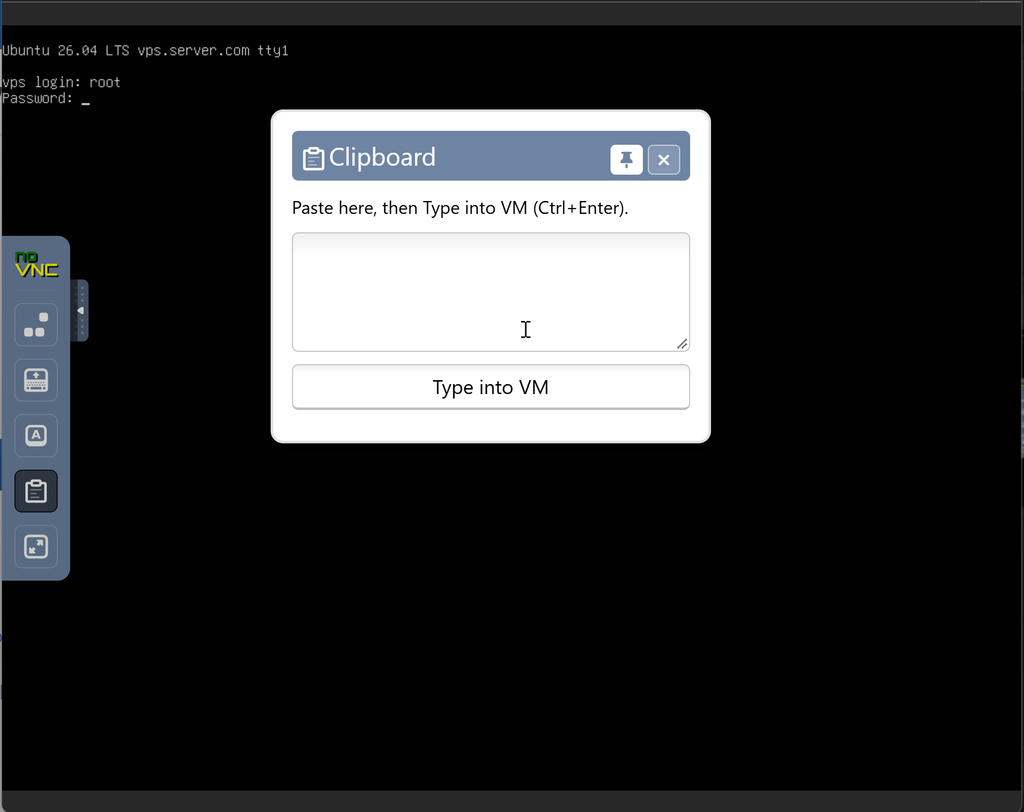
Hovering away from the Clipboard makes it transparent so you can see what’s input behind it too, and mouse over it, makes it appear again,
We hope this helps you whenever you are in need of a Clipboard to paste into the VNC session.
Stay tuned for more!
– Team CrownCloud.